
Tip: press Ctrl + Enter (Cmd + Enter on Mac) to summarize. Summaries work best on texts of 100 words or more.
Last updated: October 2026
How to Use the AI Text Summarizer
Long articles, reports, email threads, and meeting notes take time to read. This free AI text summarizer reads the text you paste and writes a shorter version that keeps the main points, the key facts, and the conclusions. You choose the format (a paragraph, key points, a one-line TL;DR, or an executive summary), the length, and the language of the summary.
In short: Paste your text, choose a format and length, and click “Summarize text.” The tool detects the language of your text and writes the summary in the same language by default. Always check important facts, numbers, and names against the original.
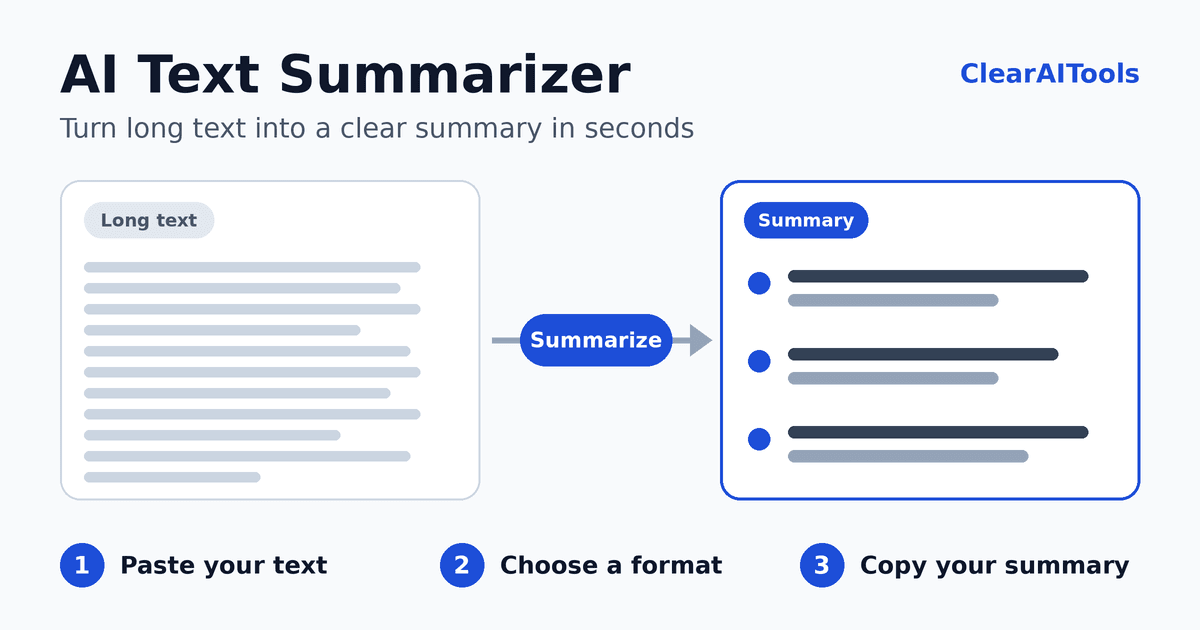
- Paste your text. You can enter up to 12,000 characters at a time, which is roughly 2,000 words. Not sure how it works? Click “Try an example.”
- Choose the format. Paragraph, key points, TL;DR, or executive summary (see the table below).
- Choose the length. Short, medium, or detailed.
- Choose the language. Leave it on “Same as the text” to keep the original language, or pick another one.
- Click “Summarize text.” You will see the detected language, the summary, and how much shorter it is than the original.
- Copy, download, or try again. Use “Try again” if you want a different version.
Which Summary Format Should You Choose?
| Format | What you get | Best for |
|---|---|---|
| Paragraph | A short, connected piece of text that reads smoothly. | Study notes, article abstracts, and quick overviews. |
| Key points | A list of the most important points, ordered by importance. | Reports, research papers, and anything you need to scan. |
| TL;DR | One or two sentences with the single most important takeaway. | Long email threads, news, and decisions you need to grasp in seconds. |
| Executive summary | An overview, key points, and action items or decisions when the text contains them. | Meeting notes, proposals, and business documents. |
The length setting (short, medium, or detailed) controls how much detail you get. Whatever you choose, the summary is meant to be clearly shorter than the original text.
Summaries in Your Own Language
The tool detects the language of the text you paste and, by default, writes the summary in that same language. If your text is in Arabic, for example, the summary is written in Arabic, with the correct right-to-left layout. You can also choose a different summary language, such as summarizing a French article into English. Results are usually strongest in widely used languages, so read summaries in less common languages carefully.
Example: One Text, Three Summaries
Here is how the same text can be summarized in different formats. This is an illustrative example.
Original text
The team met on 14 September to review progress and plan the next quarter. The mobile app reached 48,000 monthly active users in August, up from 41,000 in July, mostly because of the new onboarding flow. However, one-month retention stayed flat at 32 percent, and support tickets about login problems rose by 18 percent. Daniel recommended replacing the old authentication service before the November sale, although the work may delay dark mode by about three weeks. The team agreed to approve the replacement, postpone dark mode to December, and start retention experiments in October.
Short paragraph
Monthly active users grew to 48,000 in August from 41,000, driven by the new onboarding flow, but retention stayed at 32 percent and login-related support tickets rose 18 percent. The team will replace the old authentication service before the November sale, postpone dark mode to December, and begin retention experiments in October.
Key points
- Monthly active users rose from 41,000 to 48,000 in August because of the new onboarding flow.
- One-month retention remained flat at 32 percent, while login support tickets increased by 18 percent.
- The team approved replacing the old authentication service before the November sale.
- Dark mode moves to December, and retention experiments start in October.
TL;DR
User growth is up, but retention and login problems led the team to replace the authentication service and delay dark mode to December.
Notice that the numbers, dates, and decisions are kept exactly as written. This is the standard you should expect from any summary, and the standard to check against when you read one.
What Makes a Good Summary?
- It is faithful. It contains only what the original says, with no new facts or opinions.
- It keeps the details that matter. Names, numbers, dates, and decisions stay exactly as written.
- It keeps the uncertainty. Words such as “may,” “about,” and “according to” should not disappear.
- It is fair. If the text shows several viewpoints, the summary represents each one.
- It starts with substance. It does not waste words on phrases like “This text is about…”
- It is shorter. It removes filler, repetition, and minor examples.
How to Summarize a Text Yourself
Learning to summarize by hand helps you judge any AI summary. A simple method:
- Read the whole text once to understand the general idea.
- Find the main point of each paragraph. Underline one sentence or write a few words in the margin.
- Identify the central point. Ask what the author most wants the reader to know.
- Write from your notes, not from the text, using your own words.
- Check against the original. Confirm that you kept the key facts and did not add anything new.
Summarizing vs. Other Writing Tools
| Tool | What it does | Use it when |
|---|---|---|
| Text Summarizer | Makes long text shorter and keeps the main points. | You need the gist of something long. |
| AI Paraphrasing Tool | Rewrites text with different wording, at a similar length. | You like the idea but want different phrasing. |
| AI Paragraph Expander | Adds explanation and detail to short text. | A point is too thin and needs more development. |
| Blog Post Outline Generator | Plans the structure of an article. | You are organizing ideas before you write. |
Practical Ways to Use a Summarizer
- Students: Summarize a reading to decide whether it is relevant, then read the important parts yourself. A summary is a study aid, not a replacement for the source.
- Meetings: Paste notes or a transcript and use the executive summary to get the decisions and next steps.
- Email threads: Use the TL;DR format to catch up on a long conversation before you reply.
- Research and news: Compare key points across several articles to see where they agree and differ.
- Your own writing: Summarize your draft. If the summary does not match your intended message, your draft may need clearer structure.
Limits and Responsible Use
Important: AI summaries can leave out details, change emphasis, or contain mistakes. Do not rely on a summary alone for legal, medical, financial, or safety decisions. Read the original for anything important.
- Text only. The tool works on pasted text. It cannot read scanned documents, images, PDFs, or web links directly.
- Length limit. Each run handles up to 12,000 characters. For longer documents, summarize one chapter or section at a time and combine the results.
- Check the facts. Compare numbers, names, and dates in the summary with the original.
- Credit your sources. If you publish or share a summary of someone else’s work, name the original author and source. Respect copyright and your school’s rules about AI tools.
- Privacy. The text you paste is sent to an AI service to create the summary. This site does not intentionally save your text, but we cannot control how the AI provider handles data. Do not paste passwords, financial details, medical records, or confidential business information. See our Privacy Policy for details.
Checklist After You Summarize
- Does the summary match the main point of the original?
- Are all numbers, names, and dates correct?
- Is any important caveat or uncertainty missing?
- Is the format right for your purpose (paragraph, key points, TL;DR, or executive summary)?
- Have you noted the source if you will share or publish the summary?
More Free Writing Tools
- AI Email Writer: turn a few lines into a clear email with a subject line.
- AI Paraphrasing Tool: rewrite text in a style you choose.
- AI Meta Description Generator: write the search snippet for a page.
Frequently Asked Questions
Is the AI text summarizer free?
Yes. You can use it without paying and without creating an account. To prevent abuse, we limit how many requests can be made per minute.
How much text can I summarize at once?
Up to 12,000 characters per run, which is roughly 2,000 words. For longer documents, summarize them section by section.
Does it detect the language of my text?
Yes. The tool detects the language and shows it above the summary. By default, the summary is written in the same language as your text, and you can choose a different language if you prefer.
Does it work with Arabic and other right-to-left languages?
Yes. Text in Arabic and other right-to-left languages is displayed in the correct direction. Results are generally strongest in widely used languages, so review them carefully.
How accurate are the summaries?
The tool is designed to stay faithful to your text and keep key facts exact, but AI can make mistakes or leave out details. Always check important information against the original.
Is my text stored?
This site does not intentionally save the text you paste. However, the text is sent to a third-party AI provider to create the summary, and we cannot control how that provider handles data. Do not enter confidential information.
Can it summarize a PDF or a web page link?
Not directly. Copy the text from the PDF or web page and paste it into the box.
What is the difference between a summary and a TL;DR?
A summary covers the main points of a text in a shorter form. A TL;DR is the shortest version: one or two sentences with the single most important takeaway.
Can I use summaries in school or at work?
Summaries are useful as a study and productivity aid. Follow your school’s or employer’s rules about AI tools, and cite the original source when you use or share the ideas.